Deposit Cash Into BuckMe Walkthrough: Find the ATM and Finish
A two-step Chapter 1 errand: find an ATM with the BuckMe app and put some pocket cash into checking. There is no map marker, which is what trips people up.
In this guide
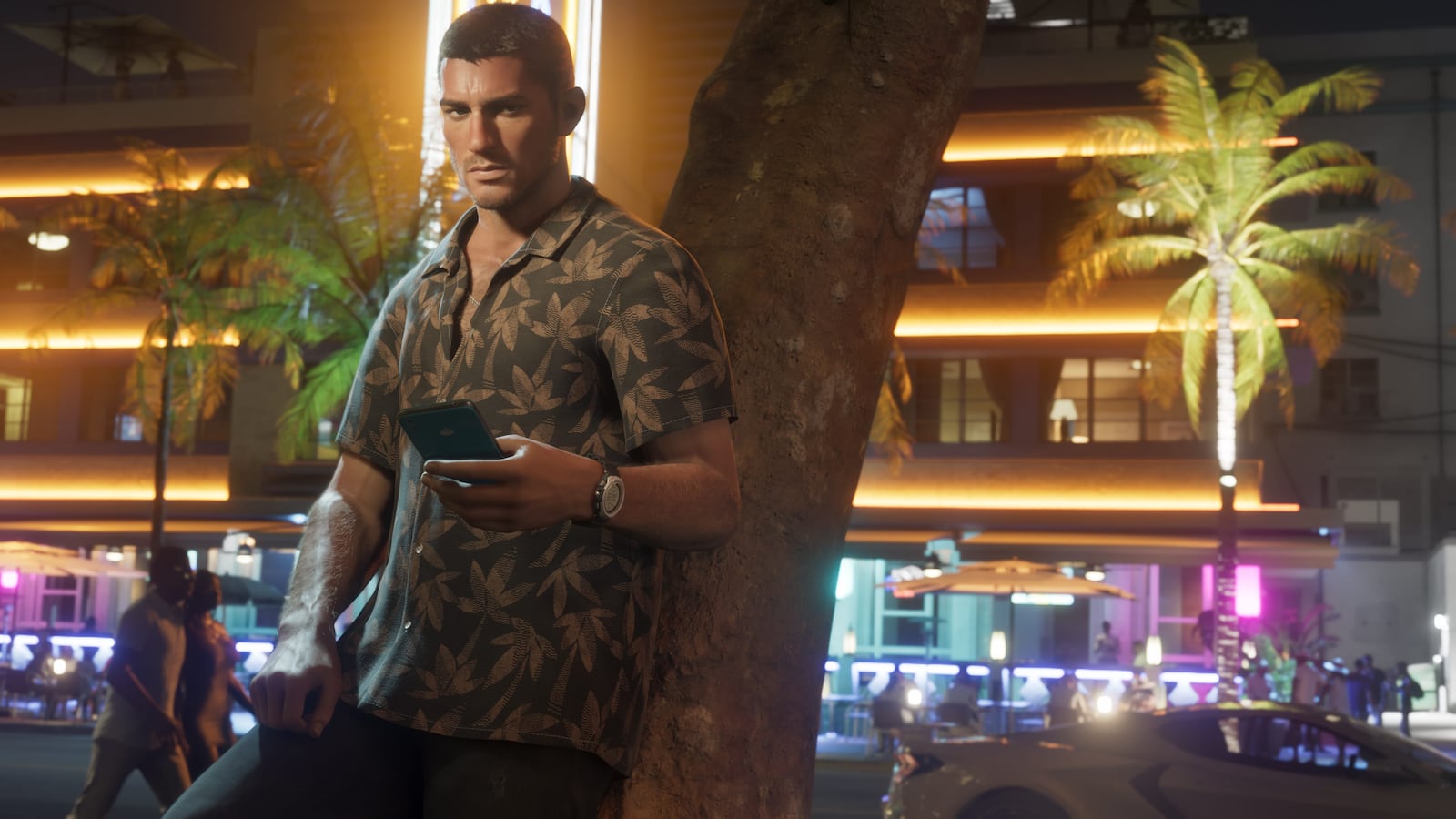
Deposit Cash Into BuckMe is a short Chapter 1 task where Jason puts some pocket cash into his BuckMe checking account at an ATM. What trips people up is that it has no map marker: you pick it from the mission list, then use your phone to find an ATM.
Quick facts
| Mission | #15, Chapter 1 |
| Play as | Jason Duval |
| Given by | The BuckMe phone app (no character), started anywhere. Key Lento, Mariana County. |
| Do first | Finish the earlier Chapter 1 mission "Buck Me" (sets up the bank account) |
| Counts for 100%? | Yes, mandatory and required for 100% |
Objectives
- Select the task. There is no marker on the map. Open the map, go to the storybook icon in the mission list, and highlight "Deposit Cash Into BuckMe". It is listed in the map index under Earn Money.
- Find an ATM. Press Up on the D-pad to open your phone, open BuckMe, and choose "ATM Finder – Set Destination". The nearest ATM gets marked for you. One is right by Jason's house. The one outside Chuck's Tackle & Shot is the closest to the house.
- Deposit cash. Walk up to the ATM, interact, choose Deposit, set an amount and confirm. Any amount counts. On PS5 press Triangle, on Xbox press Y to interact. The screen starts on the most cash you carry.
Tips and problems
- Do not confuse checking with Family Savings. Money moved into Family Savings cannot be withdrawn, ever. This task only needs the checking account, so deposit there.
- Checking has a limit. It starts at $15,000. If you hit the limit, incoming payments are held until you spend money or move it to savings.
- Task missing from the list? You probably haven't finished "Buck Me" yet.
What comes next
A related task, "Save for the Future", is optional and runs through the whole story. It covers savings goals and the price discounts they unlock.
Quick answers
Where is the ATM for Deposit Cash Into BuckMe?
Open the BuckMe app, choose ATM Finder – Set Destination, and the nearest ATM is marked. One is near Jason's house; Rare Thief names the one outside Chuck's Tackle & Shot.
Does Deposit Cash Into BuckMe have a reward?
PowerPyx lists no reward. It counts toward 100% according to GTABase.
Why can't I find Deposit Cash Into BuckMe on the map?
It has no marker. Select it from the mission list via the storybook icon on the map, after completing Buck Me.
Sources
- Community wiki Deposit Cash Into BuckMe GTABase
- Guide outlet GTA 6 Deposit Cash Into BuckMe Walkthrough PowerPyx
- Community wiki How to Find an ATM and Deposit Cash in GTA 6 GTA Vice Guides
- Community wiki GTA VI: Buck Me Walkthrough Rare Thief
- Guide outlet Bank your cash in GTA 6 PC Gamer
This guide was researched and drafted with AI assistance, then checked against the sources listed above. See our editorial policy. Spotted a mistake? Tell us and we will fix it.
More GTA 6 guides
- Gone Fishing Walkthrough: All Objectives and the Cash Trailer Walkthrough
- Lab Fees Walkthrough: All Objectives and Door Codes Walkthrough
- Hey Arnold! Walkthrough: All Objectives and Kill or Spare Arnold Walkthrough
- Steal the Scooter Walkthrough: All Objectives and When It's Missable Walkthrough
- Gear Up Walkthrough: All Objectives and the Kingfishers Ambush Walkthrough